
WinLion Login in Canada: How to Sign In, Reset Your Password and Fix Problems
Locked out? Or maybe you're back after a few months and the whole thing has slipped your mind. Either way, the WinLion login is simpler than it looks (the Canadian players' guide covers the rest of the casino), and most of the trouble people run into comes from five or six small mistakes that repeat over and over.
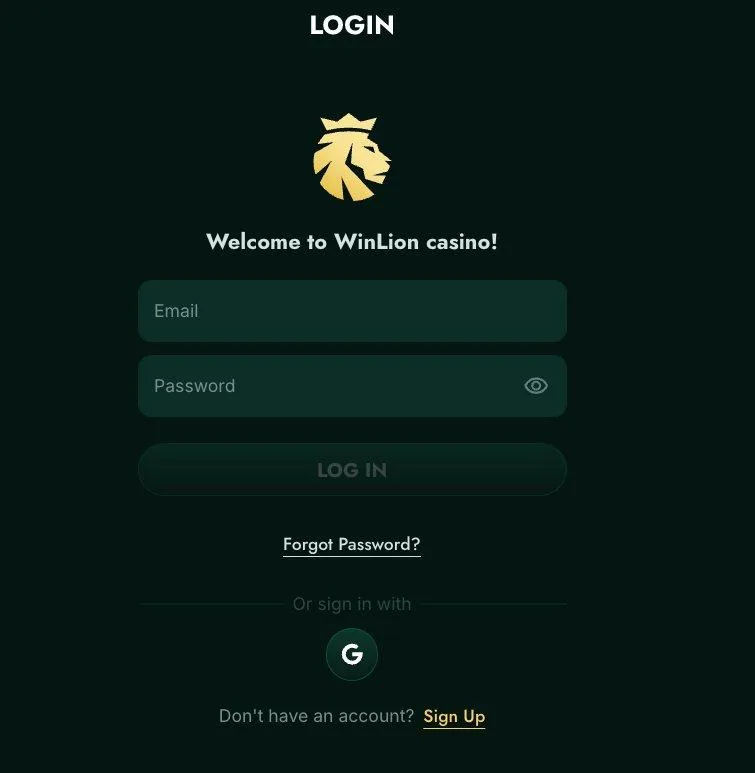
How to log in to WinLion Casino
The login button lives in the top corner of the casino site. Tap it and a little form slides open: email on top, password below, and one button that does the rest. If everything's in order the lobby loads right away, and there's honestly nothing more to it.
Where people slip is the door they walk through. Sign up with Google and you're supposed to come back with Google, because the email boxes won't know you, and the "account not found" message that follows makes plenty of players think their money vanished. It didn't. They just used a different entrance from the one they picked on day one.
A word about links. Fake casino login pages are all over the internet, and the easiest way to avoid them is to type the address yourself or open your own bookmark, never a link from a message or an ad. A password manager helps too, since a surprising number of "wrong password" errors turn out to be a long password typed badly on a small keyboard.
Logging in on your phone
Is there a WinLion app? Not in the stores. The mobile browser does the job, and the neat trick is saving the site as a shortcut, through Chrome's menu on Android or Safari's Share sheet on iPhone, after which one tap lands you in the lobby. The casino even throws in 10 free spins for that, not bad for thirty seconds of tapping.

Staying signed in on your own phone? Lovely. On the family tablet? Not so much, so wherever other people can pick up the device, log out when you're done.
Forgot your password?
Forgot it? Join the club. Under the login form there's a reset link, and after you type in your email the message normally shows up in a minute or two. Whatever you choose next, make it new. Something like a phrase of four random words beats a short jumble of symbols, because you'll remember it and nobody else will guess it.
No email? Spam folder first, because that's where these things love to hide. Then the address itself, since one wrong letter and the message goes to a stranger. If neither explains it, live chat never closes, and the agent can tell you which email the account sits under.
Opening a second account because the first one causes trouble is a mistake. Casinos block duplicates, and any balance on them can get frozen along with the account, which is a much bigger headache than a reset email.
When the login doesn't work
Boring causes win here. Passwords first, always. Caps lock, a stray space that hitched a ride when you pasted, an old one your browser keeps offering: typing it by hand once rules out all three. Next is the email and phone confirmation after registering, which some people skip, and without it a few things stay locked, so the original message may still be waiting in your inbox.
The browser causes its share as well. Try a private window. If the login works there, you've found it: an old session or a cluttered cache, and clearing it fixes things. Script-blocking extensions sometimes cause the same mess.
Still stuck after all that? Write to [email protected] or use the chat. Tell them your account email and roughly when it started, and add a screenshot of the error, because a screenshot gets a quick answer and "it doesn't work" gets a slow one.
Keeping your account safe
There's real money behind this login, so a little strictness pays off. The password should exist only for WinLion, and it shouldn't go to anyone, including that friend who offers to "help" with a bonus. Typing your details into a page you reached through an ad is the quickest route to losing the account. Check the address bar for the casino's own domain and the padlock. Sharing a computer? Log out, and don't let the browser save a thing. Think somebody got in? Change the password immediately and tell support.
Verification belongs in the safety conversation as well. Send your ID and a recent utility bill soon after registering and your first withdrawal won't stall, though the name and address on them need to match the account exactly.
After you sign in
Once you're in, go straight to the cashier. Want the welcome offer? Pick its card before paying, because nobody can attach it to a deposit that already landed. How the offer works, and what it asks in return, is covered on the sign up bonus page.
Your balance sits in Canadian dollars, so there's no conversion to worry about, and withdrawals start at C$50. Interac is the usual route out: the casino takes up to a day, and the bank adds 1–3 business days.
One honest note
The company behind the site is Keron Systems LTD, licensed in Anjouan, and it sits outside iGaming Ontario's registry. That matters most if you live in Ontario. Play only with money you can lose without flinching, set a deposit limit, and if the fun runs out, ask support about self-exclusion. Free confidential help is a call away: ConnexOntario 1-866-531-2600, Gambling Support BC 1-888-795-6111, Quebec 1-800-461-0140. Oh, and your province decides the legal age.
Quick answers
On the casino site, with the login button in the top corner.
Yes, if that's how you registered. Use the same method every time.
Use the reset link under the login form, then check spam if the email is late.
Usually a different email or sign in method than the one you registered with.
Not from a store. The mobile browser works, plus a home screen shortcut.
Live chat, or [email protected] with a screenshot of the error.
No. Duplicates get blocked, so fix the first account.